Set up your hands-free photoshoot
Lens Buddy: selfie & Camera Timer is a free tool from ShotsTricks Inc that helps you take your photos hands-free, so you can capture all your special moments even without the help of an additional person to photograph you. This camera app lets you set up your shots by allowing you to tweak the camera settings.
As the name suggests, Lens Buddy: selfie & Camera Timer counts down from a certain number so you can position yourself as you wish before the camera takes the shot. It works similarly to Camera 4K Pro. However, the latter has more advanced settings.
Get your best angle
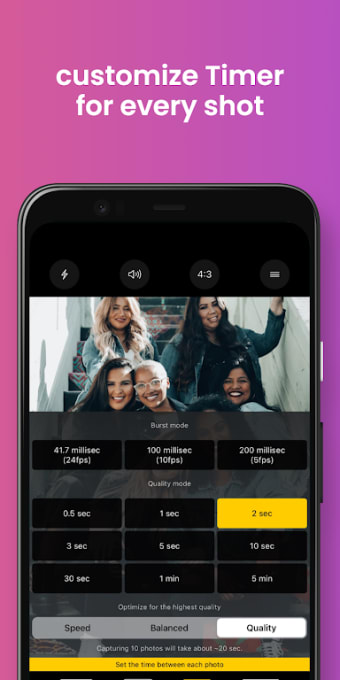
Lens Buddy: selfie & Camera Timer is an excellent tool for any instance where you may have left your Bluetooth camera clicker at home or don’t have anyone to take your photos for you. Its adaptable timer allows you to customize settings like the length of the timer, camera exposure, and photo quality. This will enable you to capture the best shots possible based on your vision.
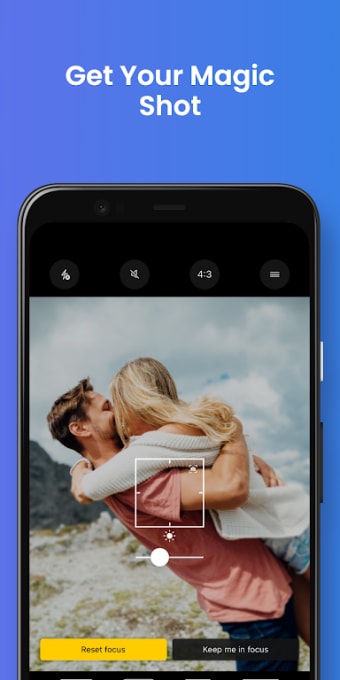
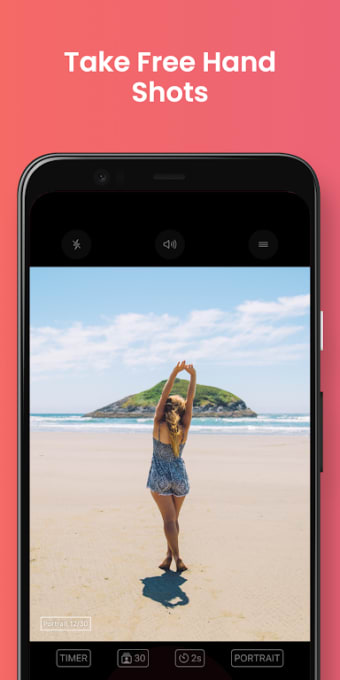
The app features a sleek interface that makes it easy for different users to operate, even when they have no extensive knowledge of photography and cameras. It also has an auto-focus mode that ensures you remain your photos' focal point, even while you’re moving around. Users also have the ability to shoot in portrait mode, which allows you to capture a more detailed and dramatic image.
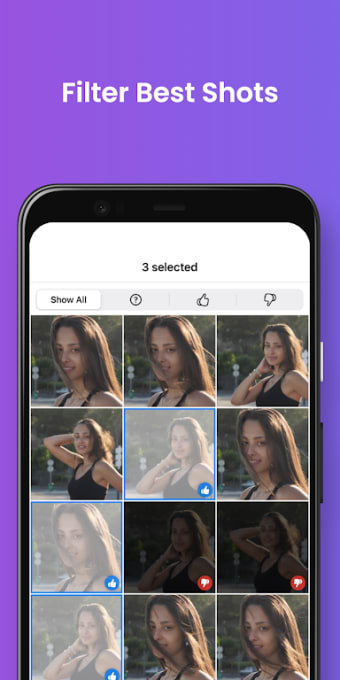
Once you’ve taken all your photos, you can save them directly to your device individually or in bulk. You can find all your pictures in a mini-exhibition within the app for quicker viewing. Take note, though, that saving photos in bulk can cause the app to lag quite a bit. Saving larger sizes of images can also take an inordinate amount of time, as well.
Is it worth it?
With Lens Buddy: selfie & Camera Timer, you’ll have an easier time taking your photos without having to restrict yourself to selfies that can’t properly show off the scenery or your outfit of the day. While saving photos in bulk can be quite tedious, the app’s ability to customize your camera settings and its intelligent subject-tracking technology make it ideal for a personal photoshoot.


.png)